The new TV is still in its box. Big, thin, beautiful. And it's going on the wall, not on a wobbly piece of furniture.
Then you look online: hundreds of wall mounts. Fixed, tilting, swivelling. From 15 euros to 300 euros. All of them claim to fit "almost every TV".
The good news: you only need to answer four questions. After that, usually just a handful of mounts are left. Let's go through them in order.
Question 1: What holes does your TV have?
On the back of the TV there are four screw holes. The distance between them is called the VESA size. It's a standard almost every manufacturer uses. Typical sizes are 200 x 200, 300 x 300 or 400 x 400 millimetres.
The mount has to support exactly this size. Otherwise it won't fit your TV.
How to find the VESA size:
- in the manual or on the manufacturer's website, usually under technical specifications
- or with a tape measure: measure the distance between the holes, first across, then up and down
While you're at it, also check the weight without the stand. You'll need it for question 2.
Question 2: How heavy is the TV?
Every mount has a maximum weight. It has to be above your TV's weight. Not just barely, but with room to spare.
Why? On a swivel arm, the TV hangs far out from the wall. The further out, the harder it pulls on the screws. Like a full shopping bag: close to your body it feels light. With your arm stretched out, it gets heavy fast.
Our rule of thumb: on a fixed mount, a small margin is enough. On a swivel arm, go one size up.
Question 3: How do you want to watch?
Now it gets personal. There are three kinds of mount, and each suits a different home.
| Type | What it does | Distance from the wall | A good fit when |
|---|---|---|---|
| Fixed | hangs flat and straight | very small, just a few centimetres | you sit straight in front of it |
| Tilting | tilts up and down | a little more | the TV hangs higher, e.g. in a bedroom |
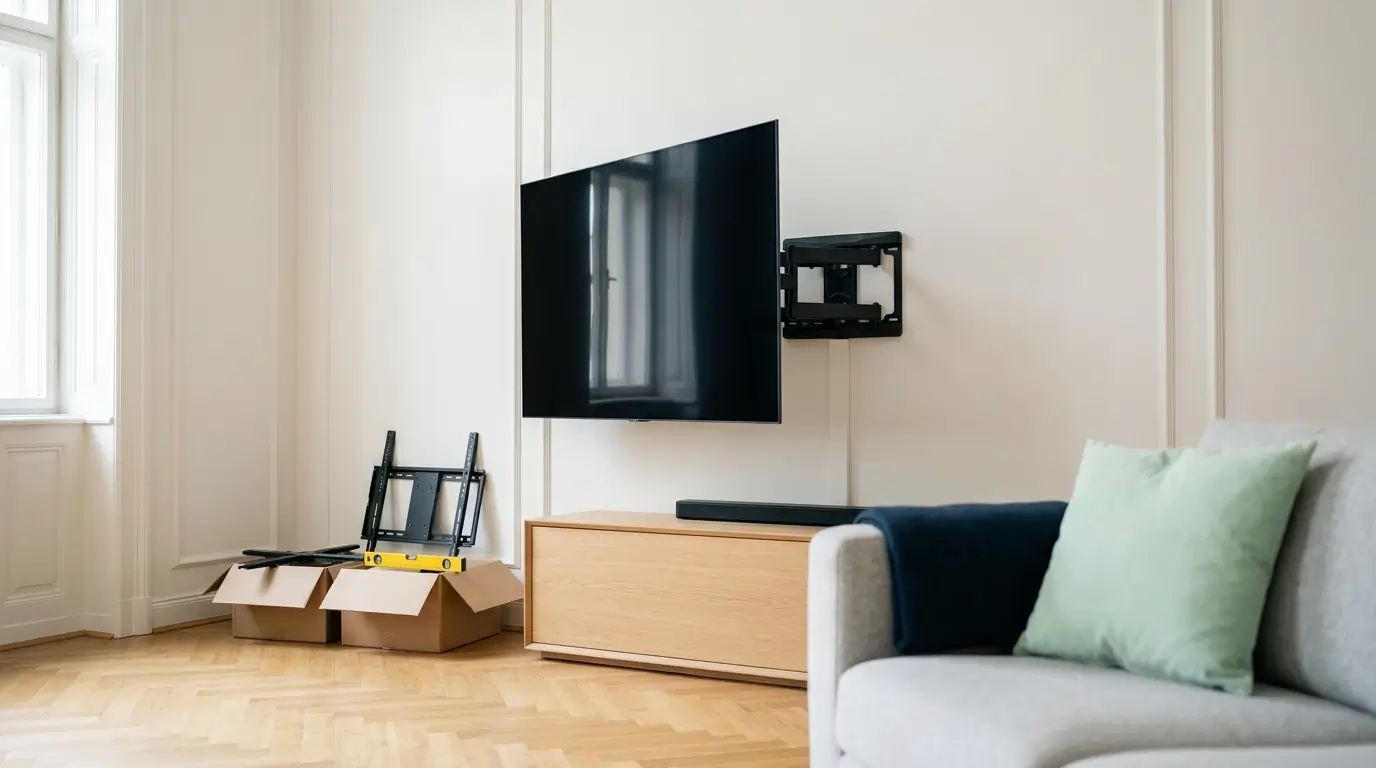
| Swivel arm | pulls out, turns and tilts | small when folded, far when pulled out | you watch from several places or the TV hangs in a corner |
A fixed mount looks the nicest. The TV sits on the wall almost like a picture. Good examples are the flat mounts from Vogel's*.
If you often sit at an angle to the screen, for example at the dining table, a swivel arm is worth it. It costs more and needs a solid wall. In return, you get a good view from everywhere. Look for an arm with two joints, like the swivelling mounts from Vogel's*. They keep the TV steadier.
Question 4: What is your wall made of?
The best mount is useless if the wall doesn't hold. This is where most mistakes happen.
| Your wall | What works | What to watch out for |
|---|---|---|
| Concrete | any mount | concrete drill bit, hammer mode on |
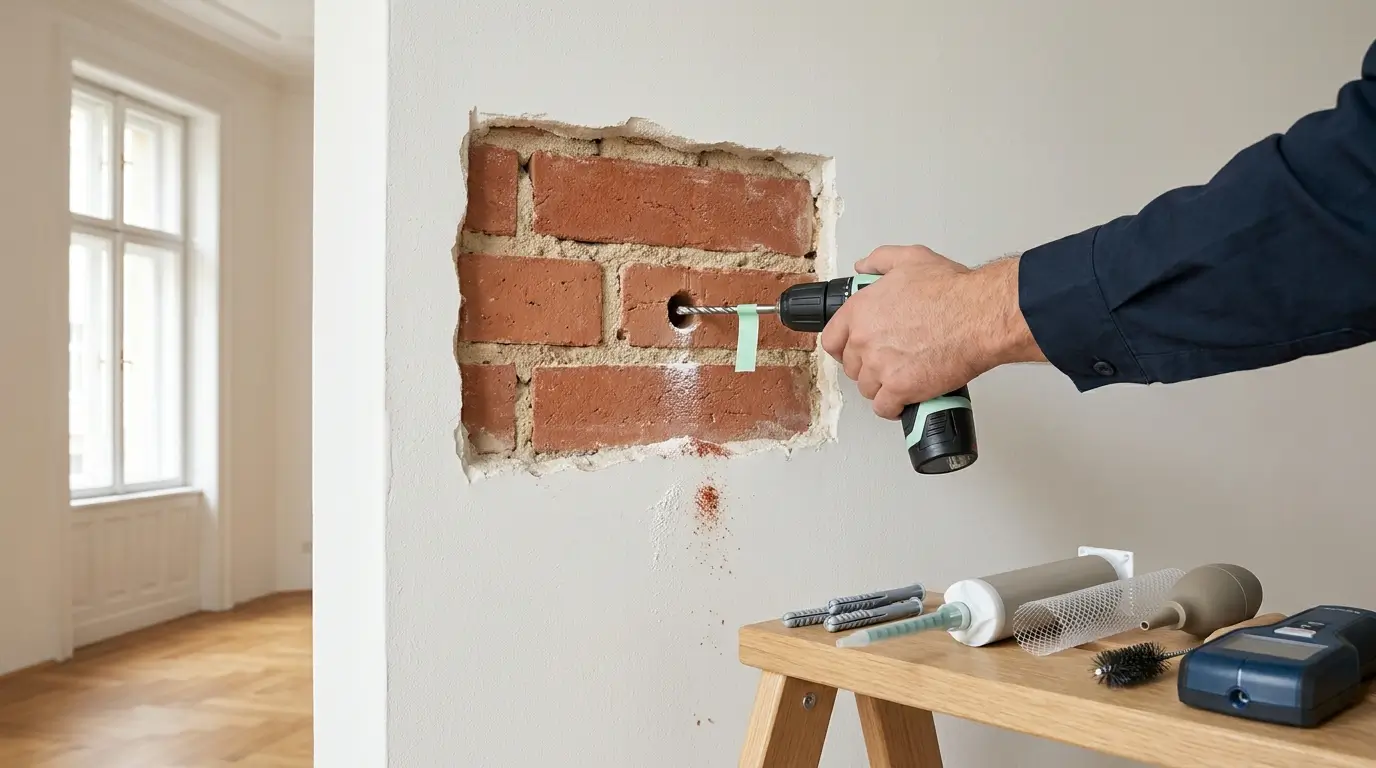
| Brick | any mount | in an Altbau, long plugs so they don't sit only in the plaster |
| Brick with hollow chambers (perforated brick) | fixed and tilting mounts | drill without hammering, long plugs, injection mortar for swivel arms |
| Plasterboard (Rigips) | small TVs on a fixed mount | large TVs and swivel arms only into the studs behind the board |
How to identify your wall and which plug goes where is explained in detail in our article Which wall plug for which wall?.
The right height
The most common question after mounting isn't "Will it hold?". It's: "Isn't it too high?"
Usually, it really is too high. Many people line it up with the wall, not with the sofa. After a few evenings, their neck hurts.
The simple rule: the middle of the screen is at eye level when you're sitting. With a normal sofa, that's usually 100 to 110 cm from the floor.
Before drilling, sit on the sofa. Ask someone to hold a piece of cardboard the size of the TV against the wall. It takes two minutes and saves you new holes.
And the cables?
A TV on the wall only looks good if there are no cables dangling below it. There are two ways to fix that:
- Cable channel on the wall: a flat strip that hides the cables. Quick to fit and barely visible in white. Many TV cable channels* can also be painted in your wall colour.
- Cables inside the wall: often possible with plasterboard walls. It looks the cleanest, but it's more work.
Important: in Austria, only a licensed electrician may install power cables and new sockets inside the wall. HDMI, network and audio cables are no problem.
Do it yourself or call a pro?
Many people can mount a small TV on a fixed mount on a concrete wall themselves. You need a drill, a spirit level and a second person to hold the TV.
It's different for:
- large TVs from around 65 inches
- swivel arms
- plasterboard, perforated brick or old plaster
- cables that should disappear into the wall
That's a lot of weight, an expensive TV and sometimes cables inside the wall.
Do you live in Vienna? Then we're happy to do it for you. We check the wall with a scanner, level the TV with a laser and run the cables too if you like. Find out more about our TV wall mounting in Vienna.
What you need for mounting
- the right mount for the VESA size, the weight and the way you watch
- the right wall plugs for your wall (mounts usually only come with plugs for concrete)
- a cable detector, e.g. the Bosch Truvo*
- a spirit level, ideally a long one
- a cable channel if the cables run on the wall
Frequently asked questions
Where do I find my TV's VESA size?
In the manual or on the manufacturer's website, usually under technical specifications. Or measure it yourself: the distance between the four screw holes on the back of the TV, first across, then up and down, in millimetres.
How high should the TV hang?
The middle of the screen should be at eye level when you're sitting. With a normal sofa, that's usually 100 to 110 cm from the floor. In a bedroom it can hang higher, but then tilted down slightly.
Will a TV hold on a plasterboard wall?
A small, light TV on a fixed mount can hold with metal cavity anchors. For large TVs, and especially for swivel arms, the mount has to go into the wooden or metal studs behind the board.
Can I put a socket behind the TV?
Not yourself. In Austria, only a licensed electrician may install new power cables inside a wall. You can run HDMI and network cables yourself, or have a handyman do it.
In short
- Check the TV's VESA size and weight.
- Pick a mount with a maximum weight well above that, especially for swivel arms.
- Fixed for the nicest look, tilting for high walls, swivel arm for several seats.
- The wall decides how it's fixed, not the mount.
- Middle of the screen at eye level when sitting, usually 100 to 110 cm.